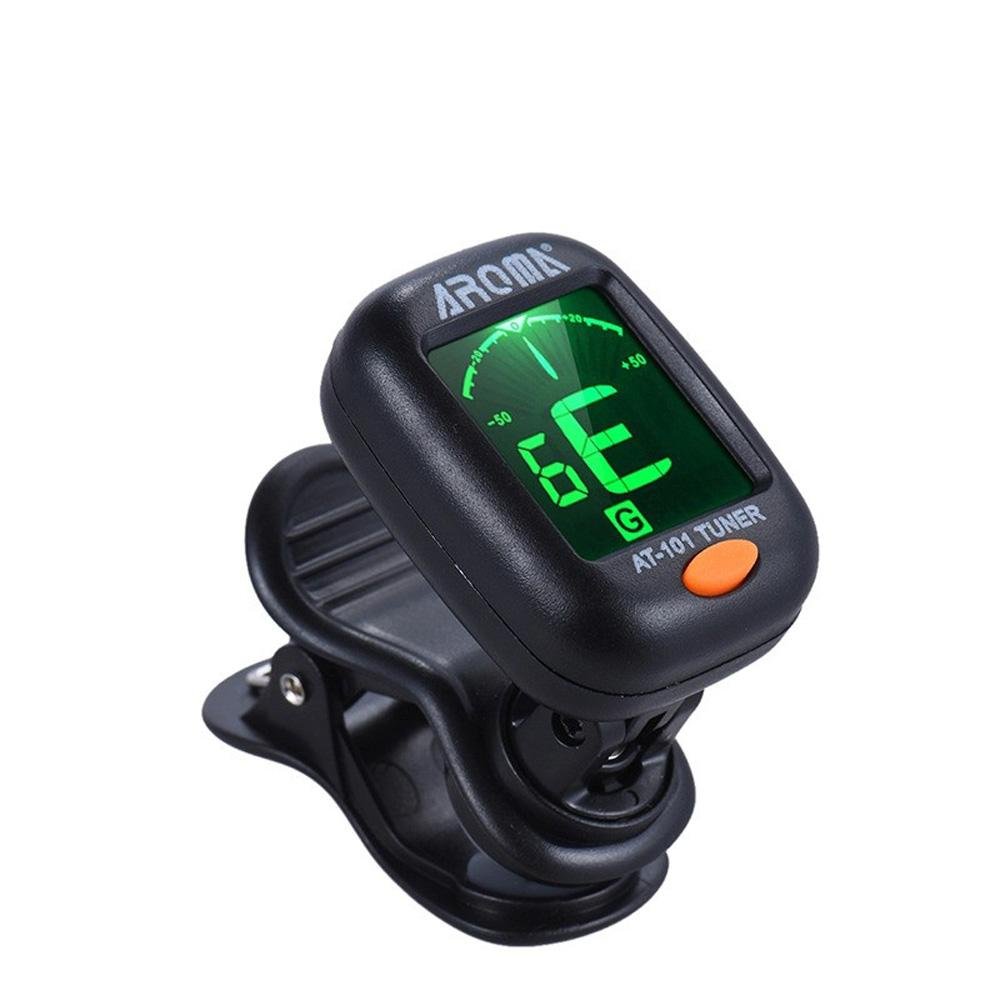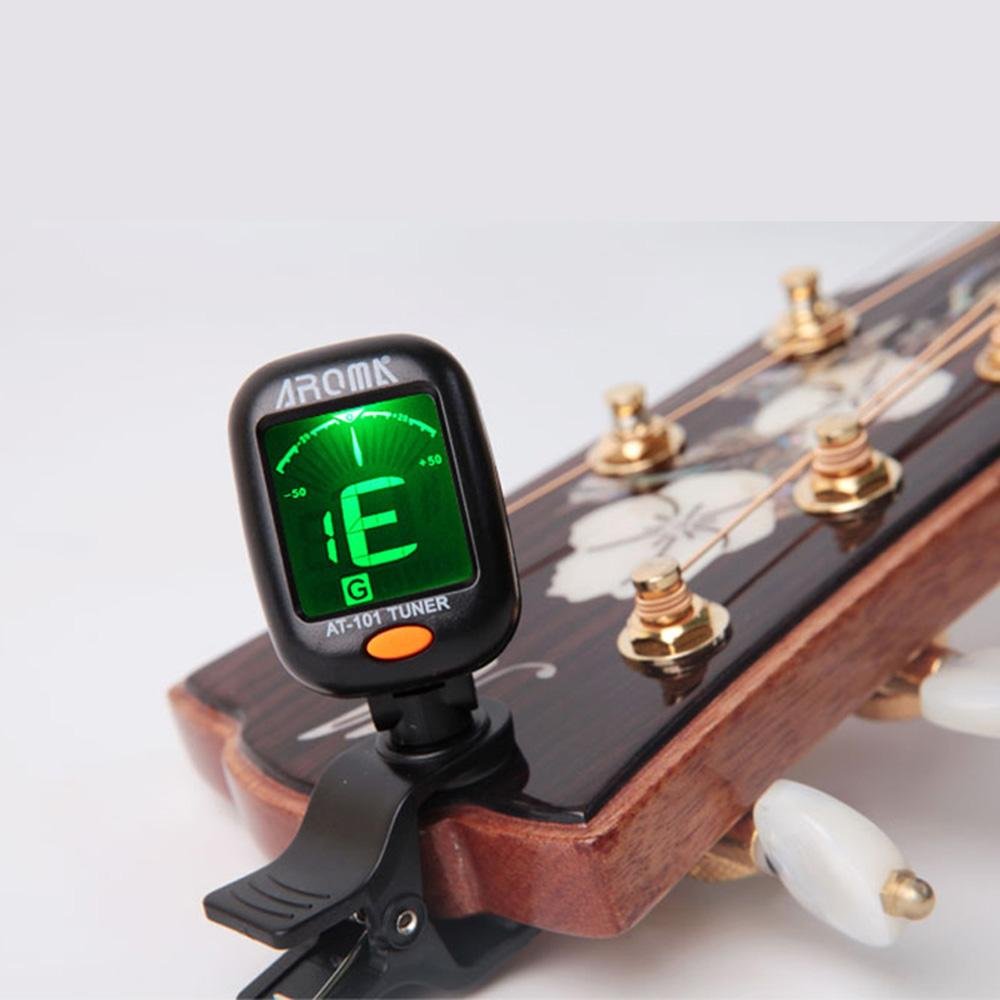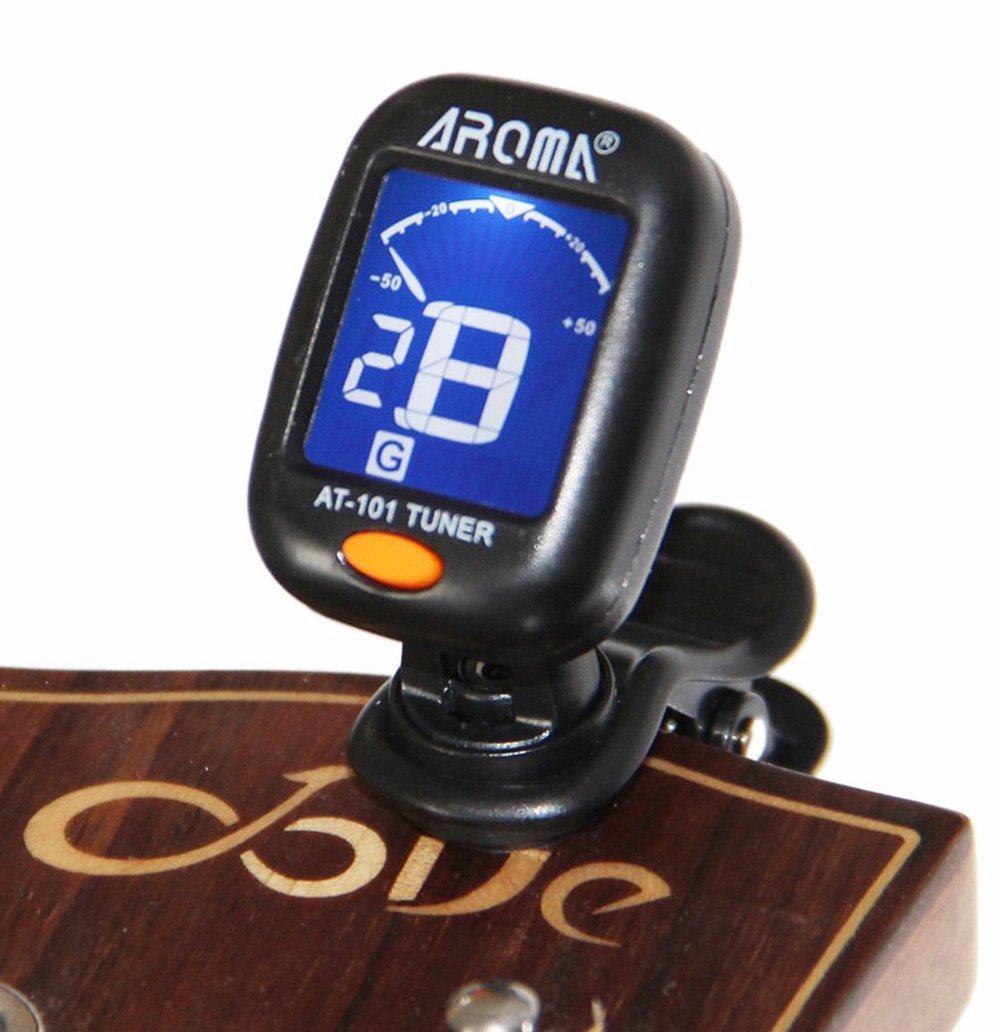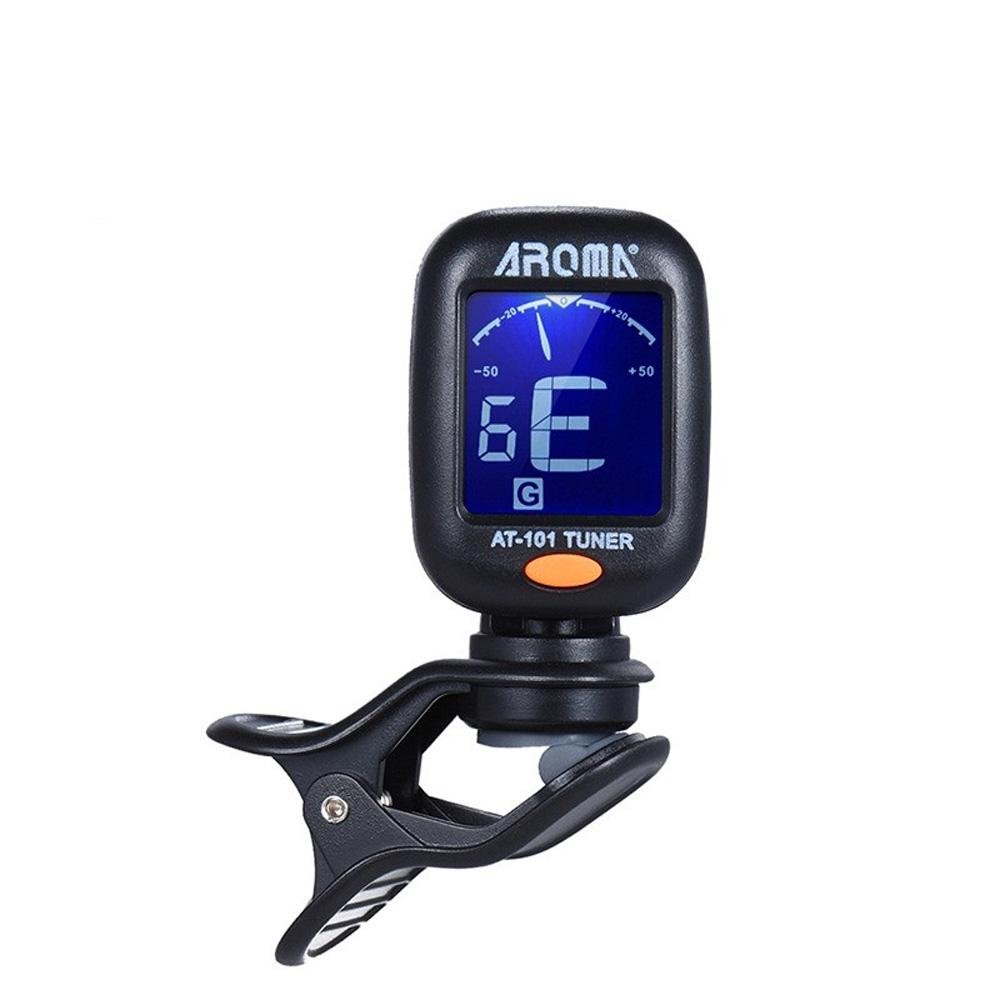


Aroma AT-01A Guitar, Bass, Violin, and Ukulele Chromatic Clip-On Digital Tuner
Aroma AT-01A Guitar, Bass, Violin, and Ukulele Chromatic Clip-On Digital Tuner
Couldn't load pickup availability
📋 Overview
The Aroma AT-01A is a clip-on digital tuner with presets for guitar, bass, violin and ukulele, plus a Chromatic mode that can tune any stringed instrument, including cello and viola. It senses the vibration of your instrument directly, and its color-changing backlit LCD stays easy to read even in the dark.
⭐ Key Features & Benefits
- 5 Tuning Modes — Chromatic (C), Guitar (G), Bass (B), Violin (V) and Ukulele (U). Preset modes show the string number and note name; Chromatic mode shows the note name.
- Tunes Any Stringed Instrument — Chromatic mode detects A0 (27.5Hz) through C8 (4186Hz), which covers instruments that are not on the preset list, such as cello and viola.
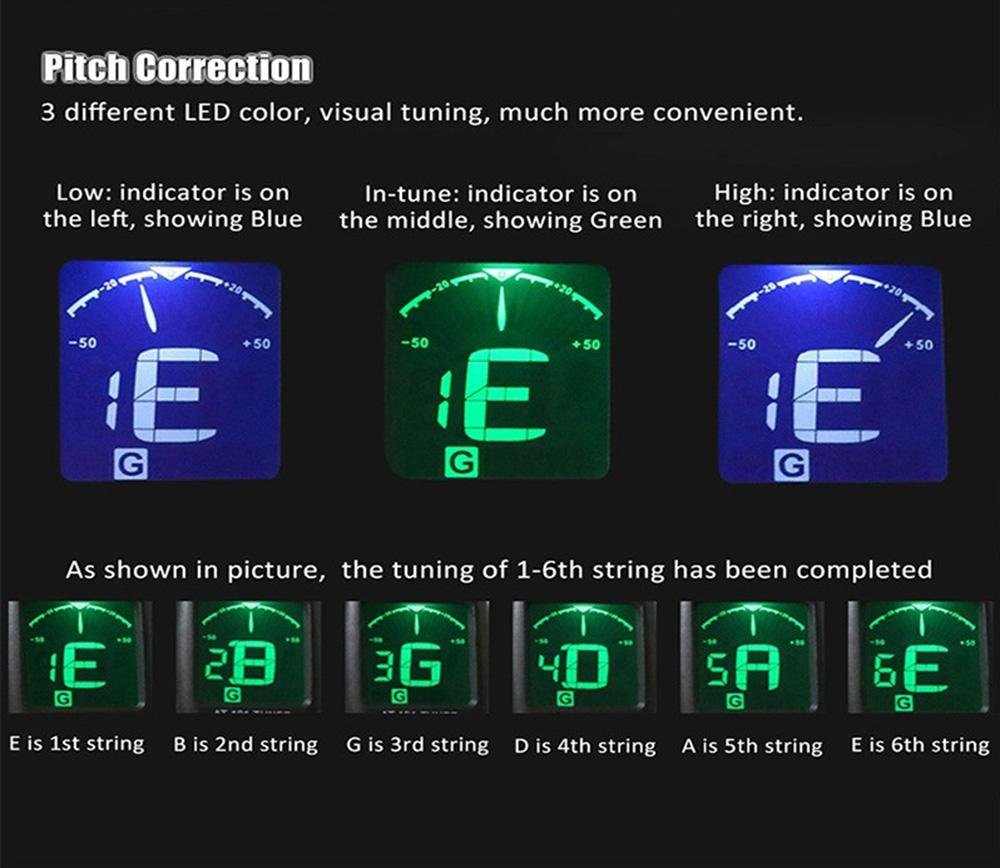
- Easy-to-Read Color Display — The dual-color backlit LCD turns green and the meter centers when the string is in tune. It stays blue, and the meter shows low or high, when the string is out of tune.
- Clip-On, Tunes by Vibration — Clips onto the headstock, scroll or pegbox and picks up vibration from the instrument itself.
- Rotating Display — The display rotates on both the X and Y axes so you can set the best viewing angle.
- Auto Power-Off — The tuner turns itself off after 3 minutes without a signal to save battery life.
- Battery Included — Ships with a CR2332 lithium coin battery, ready to use.
- Upgraded Design — Compared to the Aroma AT-101 / AT01, the AT-01A has a slightly wider display screen and finer cosmetic details.
📊 Specifications
| Tuning Presets | Chromatic (C), Guitar (G), Bass (B), Violin (V), Ukulele (U) |
| Reference Pitch | A = 440Hz (standard concert pitch) |
| Detection Range | A0 (27.5Hz) – C8 (4186Hz) |
| Detection Accuracy | ±0.5 percent |
| Tuning Method | Clip-on (tunes by vibration) |
| Display | Dual-color backlit LCD (blue = out of tune, green = in tune), rotates on X and Y axes |
| Auto Power-Off | After 3 minutes without a signal |
| Power | 1× CR2332 lithium coin battery (included) |
| Item Weight | 18g / 0.6oz |
| Package Size | Approx. 55 × 45 × 33 mm (2.2 × 1.8 × 1.3 inches) |
| Package Weight | 27g / 0.9oz |
📦 What's in the Box
- 1× Aroma AT-01A Clip-On Tuner
- 1× User Manual (English)
- 1× CR2332 Lithium Coin Battery
🎯 Common Applications
- Guitar & Bass — Use the Guitar or Bass preset to see the string number and note name.
- Violin & Ukulele — Use the Violin or Ukulele preset for quick, string-by-string tuning.
- Cello & Viola — Switch to Chromatic mode to tune all four strings of either instrument.
- Other Stringed Instruments — Chromatic mode follows any note from A0 to C8, so it works beyond the preset list.
- Low-Light Practice & Performance — The backlit LCD makes tuning easy in dim rooms and on dark stages.
🚀 Getting Started
Using the AT-01A is straightforward:
- Press and hold the button to turn the tuner on.
- Press and release the button to select (C)hromatic, (G)uitar, (B)ass, (V)iolin or (U)kulele.
- Clip the tuner onto the headstock, scroll or pegbox of your instrument.
- Play one open string. If the backlight is blue, the meter shows whether the note is flat or sharp. Adjust until the meter is centered and the backlight turns green.
- Move on to the next string. The tuner powers off automatically after 3 minutes without a signal.
💡 Tip: Tuning a cello or viola? Read our application note, Using the Aroma AT-01A Clip-On Tuner in Chromatic Mode, for open-string target notes and step-by-step instructions.
⚠️ Important Notes
- The reference pitch is fixed at A = 440Hz, so the AT-01A is not suited to alternate reference pitches.
- If you clip the tuner onto a cello or viola bridge, attach and remove it slowly without pulling or twisting. See the application note below for bridge care tips.
🎥 Video
📄 Documentation & Resources
Sold and supported by Envistia Mall. Ships from the USA. For tuning instructions and troubleshooting, see the Documentation & Resources section on this product page. The manufacturer and Envistia LLC (dba Envistia Mall) are not responsible for any damages or losses resulting from the use of this product. Always follow proper electrical safety practices when working with electronic components. Specifications are based on manufacturer data and are subject to change without notice.
Share