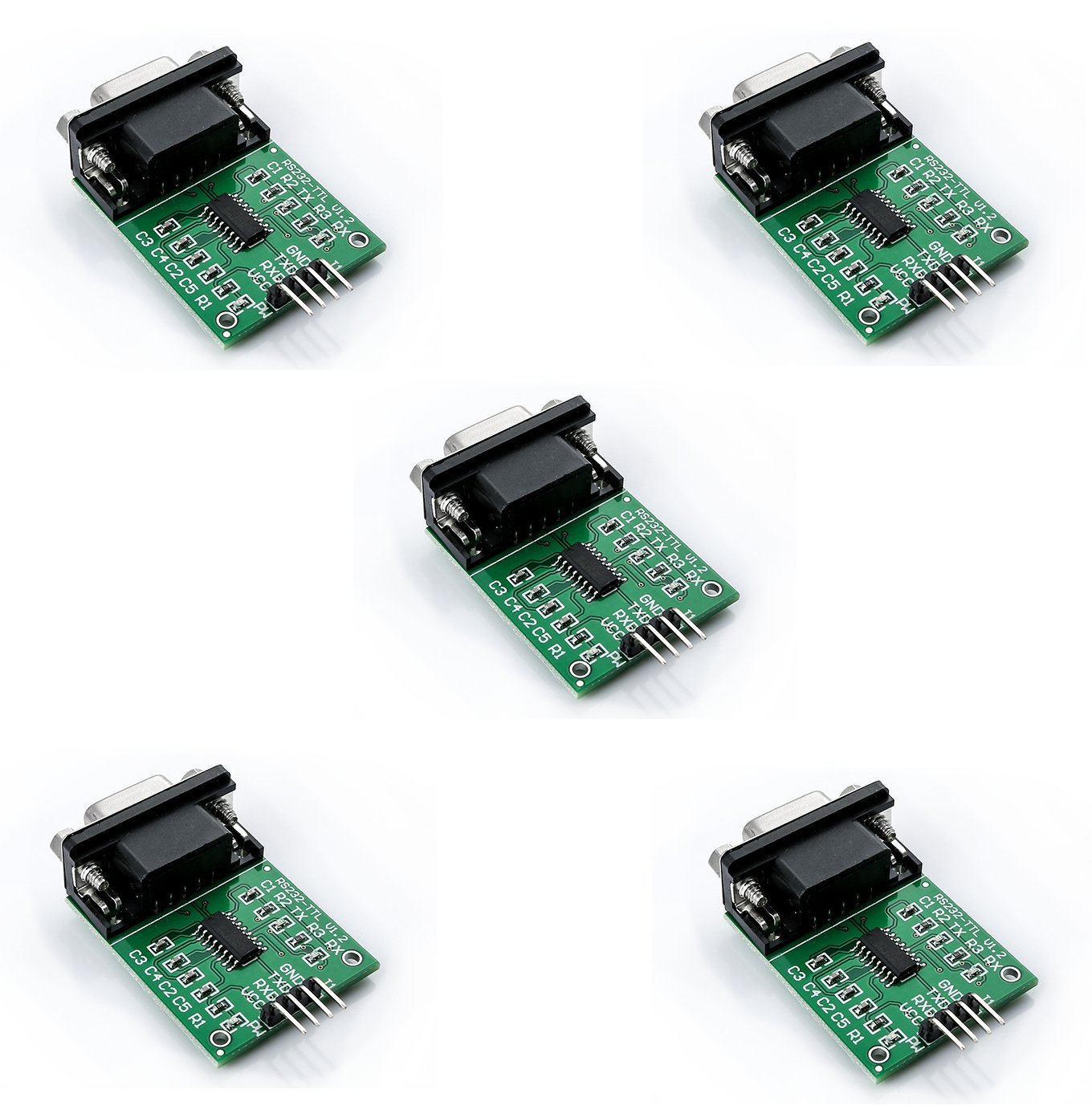
MAX232 RS232 to TTL DB9 Female Serial Port Converter Module with LED Indicators (1 & 5 Packs)
MAX232 RS232 to TTL DB9 Female Serial Port Converter Module with LED Indicators (1 & 5 Packs)
Couldn't load pickup availability
📋 Overview
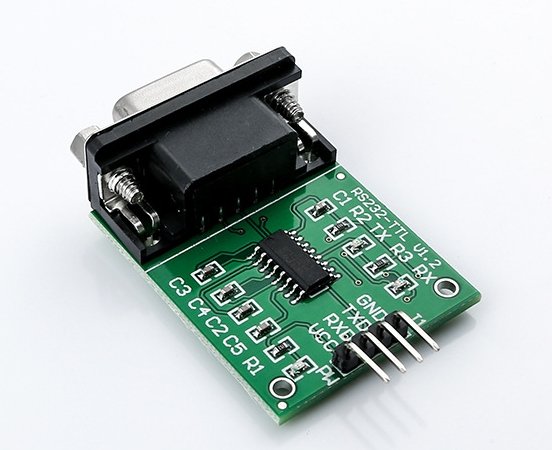
The MAX232 (SP3232) RS232 to TTL Converter Module makes it easy to connect RS232 serial devices — like computers, industrial equipment, and legacy peripherals — to modern microcontrollers that use TTL logic levels. Powered by the SP3232 transceiver IC (a modern, improved version of the classic MAX232), this module safely converts RS232 signals (up to ±15V) to TTL levels (0–3.3V or 0–5V) and vice versa, enabling reliable two-way serial communication.
Unlike many similar modules on the market, this version includes onboard LED indicators for Power, TX, and RX — giving you instant visual feedback on power status and data flow. When you're debugging a serial connection, those blinking LEDs can save you a lot of time and frustration.
💡 Tip: See our complete User Guide tab for detailed wiring diagrams, pinout tables, sample code, and troubleshooting tips.
⭐ Key Features
- RS232 to TTL Bidirectional Conversion — Safely converts RS232 signals to TTL logic levels and vice versa for seamless two-way serial communication.
- SP3232 Transceiver IC — Modern replacement for the classic MAX232, with lower power consumption and wider voltage support (3.3V–5V).
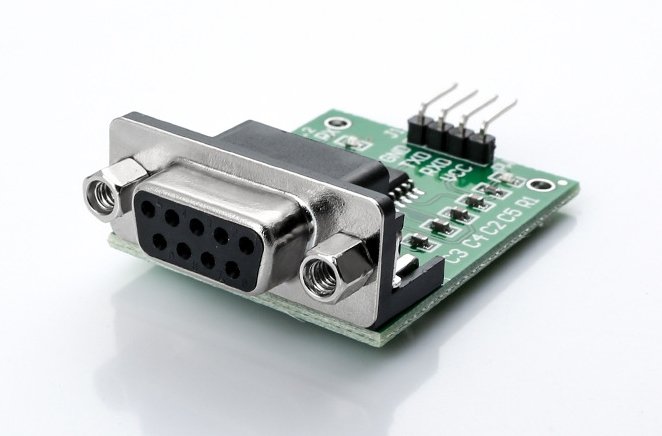
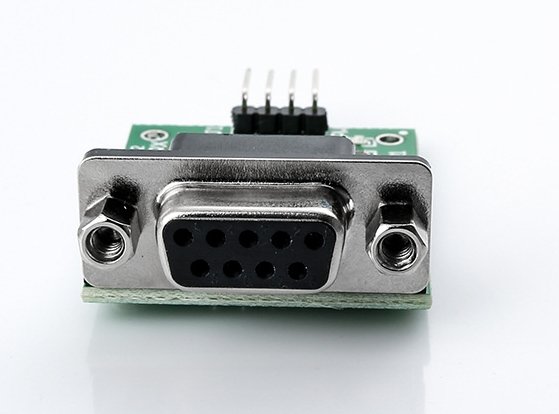
- DB9 Female Connector — Standard 9-pin RS232 connector for direct connection to computers, industrial equipment, and other RS232 devices.
- Onboard LED Indicators — Power, TX (Transmit), and RX (Receive) LEDs provide real-time visual feedback on module status and data activity.
- Wide Operating Voltage — Works with both 3.3V and 5V systems, compatible with virtually any microcontroller platform.
- Low Power Consumption — Draws approximately 6mA, suitable for battery-powered or low-power applications.
- Built-in Charge Pumps — Generates required RS232 voltage levels internally — no external negative voltage supply needed.
- Compact Form Factor — Small enough to fit into tight project enclosures or breadboard setups.
📊 Specifications
| Parameter | Value |
|---|---|
| Transceiver IC | SP3232 (MAX232 compatible) |
| Operating Voltage | 3.3V – 5V DC |
| Operating Current | ~6mA |
| RS232 Connector | DB9 Female |
| TTL Interface Pins | VCC, GND, TXD, RXD |
| Maximum Baud Rate | Up to 120 kbps |
| LED Indicators | Power (PWR), Transmit (TX), Receive (RX) |
| Board Dimensions (excl. connectors) | Approx. 40 × 31 mm (1.6 x 1.2 inches) L × W |
| Overall Dimensions (incl. connectors) | Approx. 52 × 31 × 14 mm (2.0 x 1.2 x 0.55 inches) L × W × H |
| Power Supply | External (via VCC pin) |
📦 What's in the Box
- 1×/5× MAX232 (SP3232) RS232 to TTL Converter Module with LED Indicators (1 or 5-piece packages selected above)
Note: DB9 serial cable, microcontroller, jumper wires, and power supply are not included.
📌 Pinout
| Pin | Function |
|---|---|
| VCC | Power supply input (3.3V or 5V DC) |
| GND | Ground |
| TXD | TTL Transmit Data — connect to your microcontroller's RX pin |
| RXD | TTL Receive Data — connect to your microcontroller's TX pin |
⚠️ Important: The module's TXD connects to your microcontroller's RX, and the module's RXD connects to your microcontroller's TX. This cross-connection is required — it's the most common wiring mistake!
🔌 Compatible With
- Arduino (Uno, Mega, Nano, Leonardo, and all other boards with UART)
- ESP32 / ESP8266
- STM32 and other ARM-based microcontrollers
- Raspberry Pi (with appropriate UART configuration)
- PIC Microcontrollers
- Atmel AVR Microcontrollers
- Any microcontroller or device with TTL-level UART serial capability
- Computers and devices with RS232 serial ports or USB-to-RS232 adapters
🎯 Common Applications
- Industrial Equipment Communication — Interface PLCs, CNC machines, and industrial controllers that use RS232 with modern microcontrollers.
- Legacy Device Interfacing — Connect older RS232 peripherals like barcode scanners, receipt printers, GPS receivers, and modems to Arduino or other platforms.
- Computer-to-Microcontroller Communication — Send commands from a PC or receive sensor data via a serial COM port.
- Serial Data Logging — Capture RS232 data streams from scientific instruments or test equipment.
- Networking Equipment Configuration — Access the serial console of routers, switches, and firewalls with RS232 console ports.
- Point-of-Sale Systems — Interface with cash registers, card readers, and display poles that communicate via RS232.
- Robotics and Automation — Communicate with servo controllers, motor drivers, and other RS232 peripherals.
- Education and Prototyping — Learn about serial communication protocols and UART interfacing.
🚀 Getting Started
Setting up the MAX232 RS232 to TTL Converter Module is straightforward:
- Connect the module's VCC and GND pins to your microcontroller's 3.3V or 5V and GND pins.
- Connect the module's TXD pin to your microcontroller's RX pin, and the module's RXD pin to your microcontroller's TX pin.
- Connect a DB9 serial cable from the module's DB9 connector to your computer's serial port (or USB-to-RS232 adapter).
- Open a serial terminal (PuTTY, Tera Term, or Arduino Serial Monitor) at the matching baud rate (e.g., 9600).
- Verify the Power LED is on, then send data — the TX and RX LEDs should blink as data flows.
💡 Tip: See our complete User Guide for detailed wiring diagrams, pinout tables, sample code (including Arduino SoftwareSerial examples), and troubleshooting tips.
📄 Documentation & Resources
- MAX232 RS232 to TTL Converter Module User Guide — Complete wiring diagrams, pinout reference, Arduino code examples, and troubleshooting.
- All Communication Module User Guides — Browse all user guides, tutorials, and technical resources.
Share